
تفصیل
Sell in your shop, at a market or pop-up using the phone in your pocket.
TillKit adds a fast, PIN-protected point of sale to your existing WooCommerce store. Open it in your phone’s browser, add it to your home screen, and start taking sales. Your products, prices and stock are already there, so there is nothing to import and no monthly POS fee.
The problems TillKit solves
- Paying for expensive POS hardware and subscriptions. Use the phone or tablet you already own.
- Running two systems. Online and in-store products live in one place, with no double entry.
- Slow, error-prone checkout. Scan a barcode or tap a product instead of typing codes.
- Cash that doesn’t add up. Open and close the till with a float and see the variance at the end of the shift.
- Bad Wi-Fi at a market stall or stockroom. Offline mode keeps selling and syncs when you reconnect.
- Staff with too much access. Each person logs in with their own PIN and only sees what their role allows.
Who it’s for
Small shops, boutiques, cafés, market stalls, pop-up stores and anyone who sells in person and online with WooCommerce.
Features
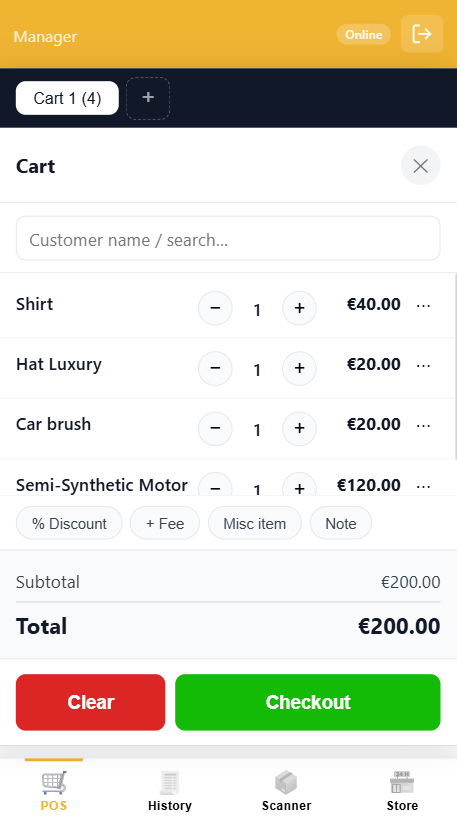
- Mobile POS: product grid, category filters, search by name or SKU, cart drawer
- Barcode scanner: scan products with your phone camera
- Till and shift management: float tracking and a variance report on close
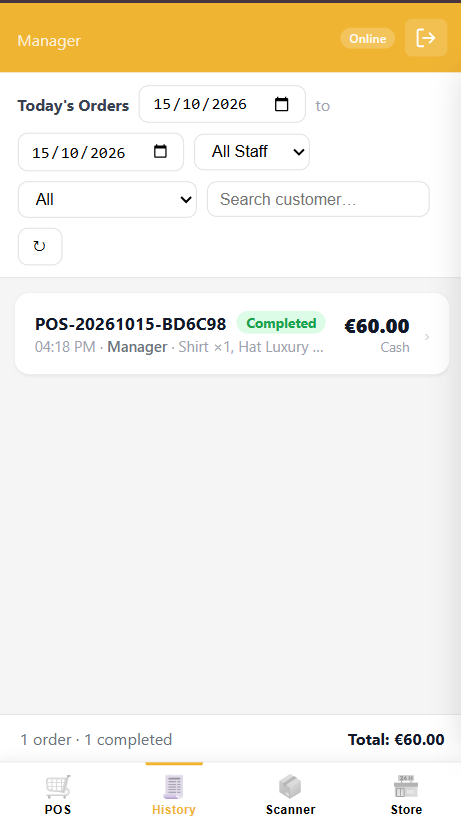
- Order history: every sale with a full item breakdown
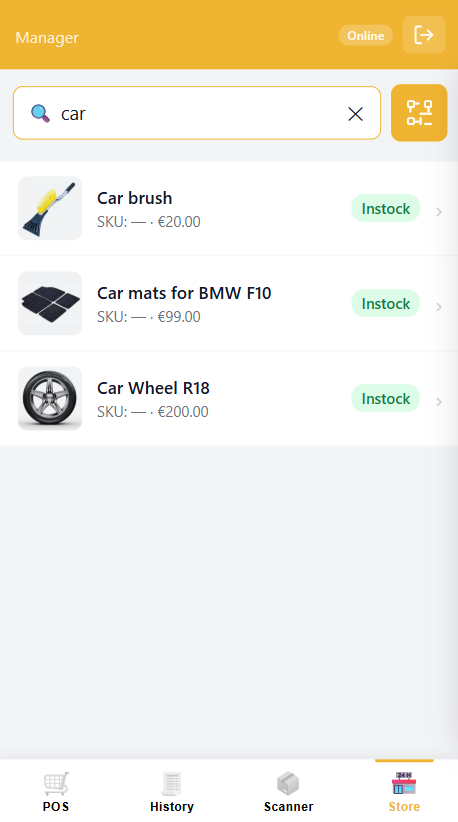
- Store tab: quickly update products and stock from your phone
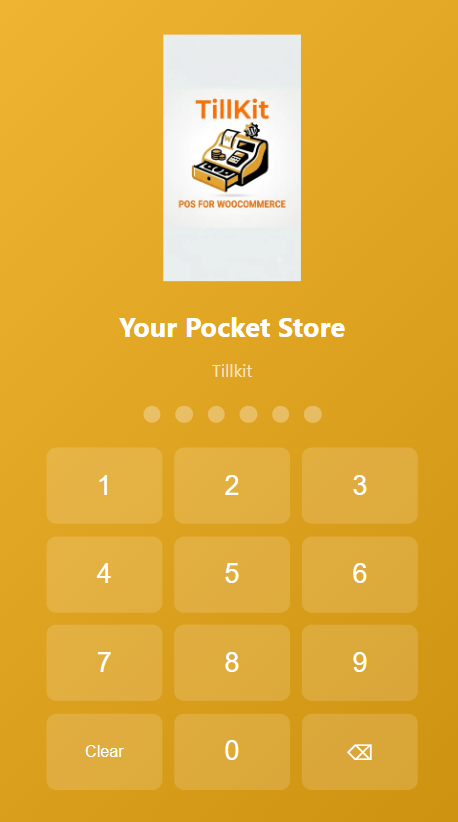
- Staff PIN login: Cashier and Manager roles
- Install as an app: add to home screen on Android and iOS
- Offline mode: keep selling without a connection, sales sync automatically
- Free and open source
Need more?
TillKit Pro adds Supervisor and Scanner Only roles, plus extra reporting across all staff.
Third-Party Libraries
- QuaggaJS v0.12.1 (MIT) – barcode scanning – https://github.com/serratus/quaggaJS
- Chart.js v4.5.1 (MIT) – admin charts – https://github.com/chartjs/Chart.js
Both are unmodified upstream builds. Plugin JavaScript is unminified; no build step is needed.
Security
Report vulnerabilities privately to info@snwebapps.com.
سکرین شاٹاں

انسٹال کرݨ
- Go to Plugins Add New, search for “TillKit” and click Install Now, then Activate.
- Open TillKit Staff in the admin menu and set a PIN for the Manager account.
- Open
yoursite.com/tillkit/on your phone and log in with your PIN. - Tap “Add to Home Screen” to install it like an app.
HTTPS is required for the camera and offline mode.
ہرہک دے سوال
-
Do I need any special hardware?
-
No. A phone or tablet is enough. Any Bluetooth/USB scanner that types like a keyboard also works.
-
Does it work offline?
-
Yes. Products are cached and sales are queued, then synced when the device reconnects.
-
Does it create WooCommerce orders?
-
POS sales are kept in a separate table so your WooCommerce order list stays clean.
-
Is HTTPS required?
-
Yes, for camera scanning and offline mode.
-
Which browsers are supported?
-
Chrome and Safari on Android and iOS.
ریویو
There are no reviews for this plugin.
Contributors & Developers
“TillKit – Mobile POS for WooCommerce” is open source software. The following people have contributed to this plugin.
حصہ پاوݨ آلے
“TillKit – Mobile POS for WooCommerce” دا آپݨی زبان وچ ترجمہ کرو۔
ڈیویلپمنٹ وچ دلچسپی ہے؟
Browse the code, check out the SVN repository, or subscribe to the development log by RSS.
تبدیلی لاگ
1.0.5
- Security: the default Manager account no longer has a usable PIN. Set one in TillKit Staff.
1.0.4
- Fixed offline mode and service worker cache.
- Removed an unauthenticated debug page.
- Fixed a fatal error when TillKit and TillKit Pro are both active.
1.0.3
- Order history ownership checks, lockout timer fix, compliance cleanup.
1.0.0
- Initial release.